Back to homeHome
Build The Spiral - GenAlphaE05
OtherFeatured

Build The Spiral - GenAlphaE05

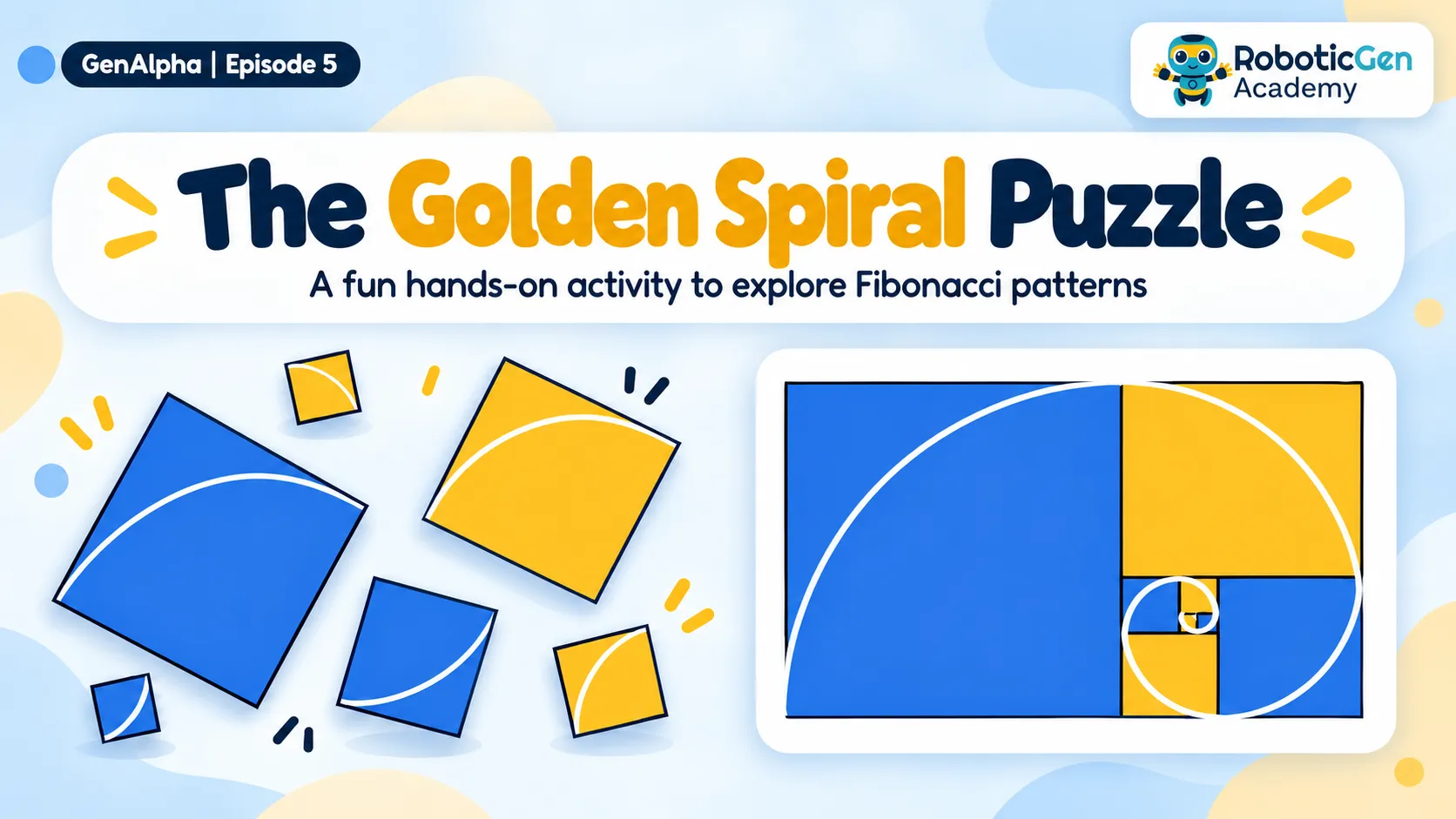
The Golden Spiral Puzzle is a fun, hands-on activity that introduces students to the Fibonacci sequence and geometric patterns. Students repeatedly draw the largest possible square within the remaining rectangle, using its shorter side as a guide. They then connect quarter-circle curves to form a spiral. Finally, students colour and number the squares, exploring the relationship between mathematics, geometry, and patterns found in nature.

  • mathematics
  • design
  • golden spiral
  • fibonacci sequence
NI
Nimantha Adikaram
Oct 30, 2026
4 views
Download PDFDownload with files

Supplies and tools

  • Scissor
  • Ruler
  • Glue
  • Cardboard
  • PDF

Comments (0)

Sign in to leave a comment.

    Browse projects

    Published builds from the RoboticGen community — featured picks first.

    Sort by
    Featured firstNewestMost viewedMost starred
    Featured onlyAllRoboticsElectronicsIoTCoding & SoftwareAI / MLDrones3D PrintingSensors & AutomationCompetitionsOther

    Step 1: Draw the Largest Square
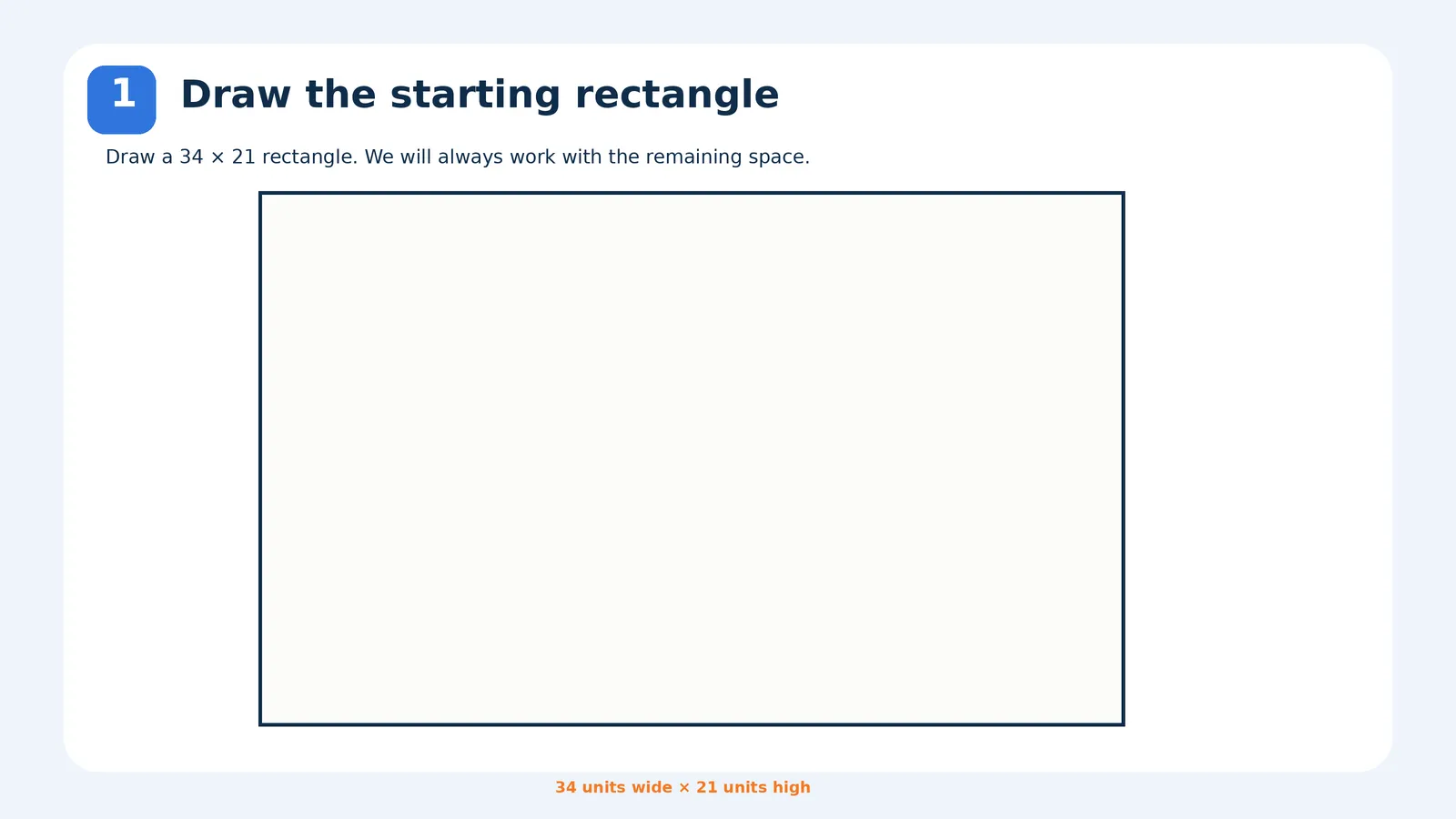
    Draw the Largest Square
    Golden_Spiral_Paper_Puzzle.pdfDownload

    Step 2: Look at the Remaining Space
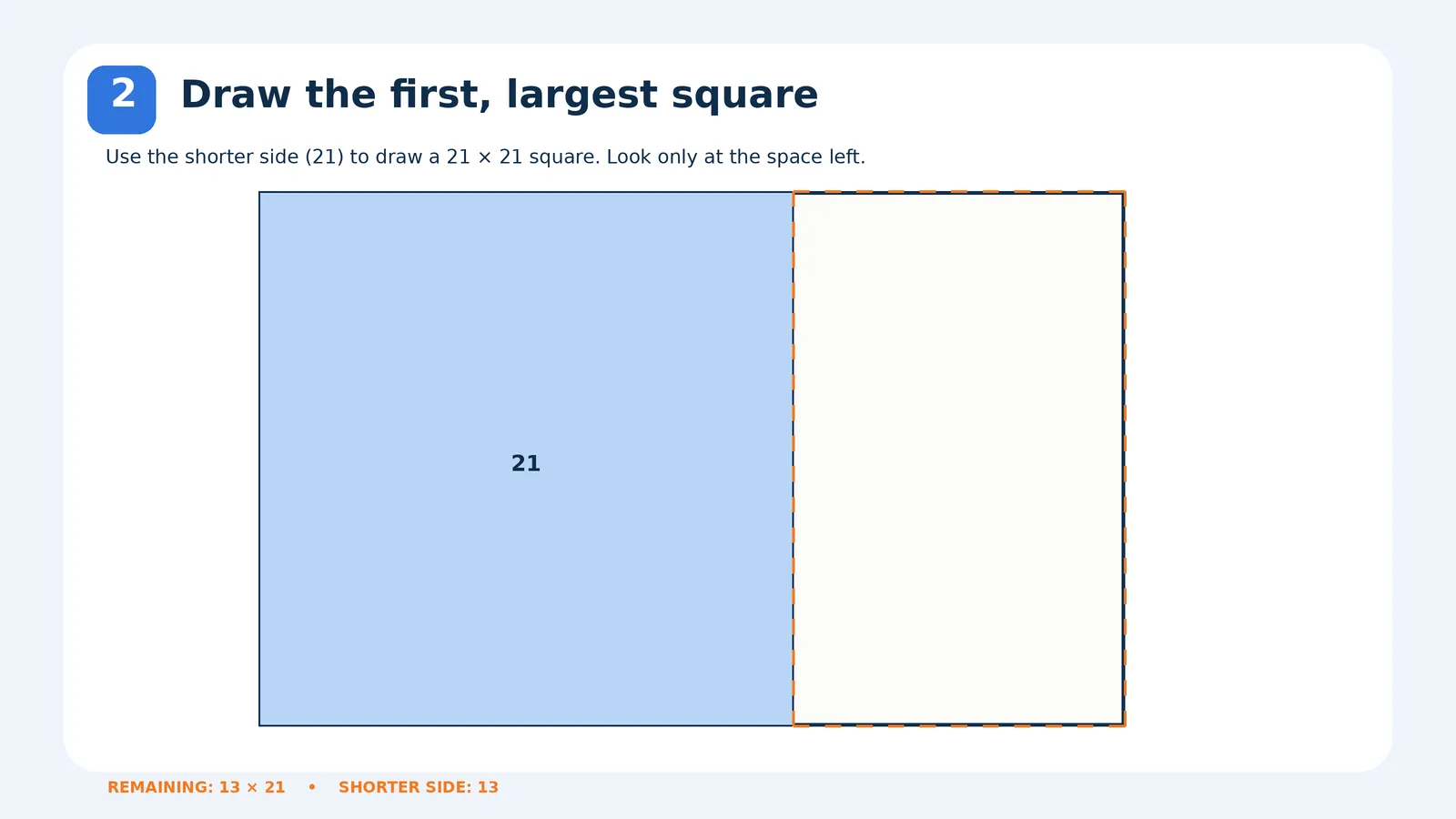
    Look at the Remaining SpaceLook at the Remaining Space

    Step 3: Repeat with the Remaining Rectangles
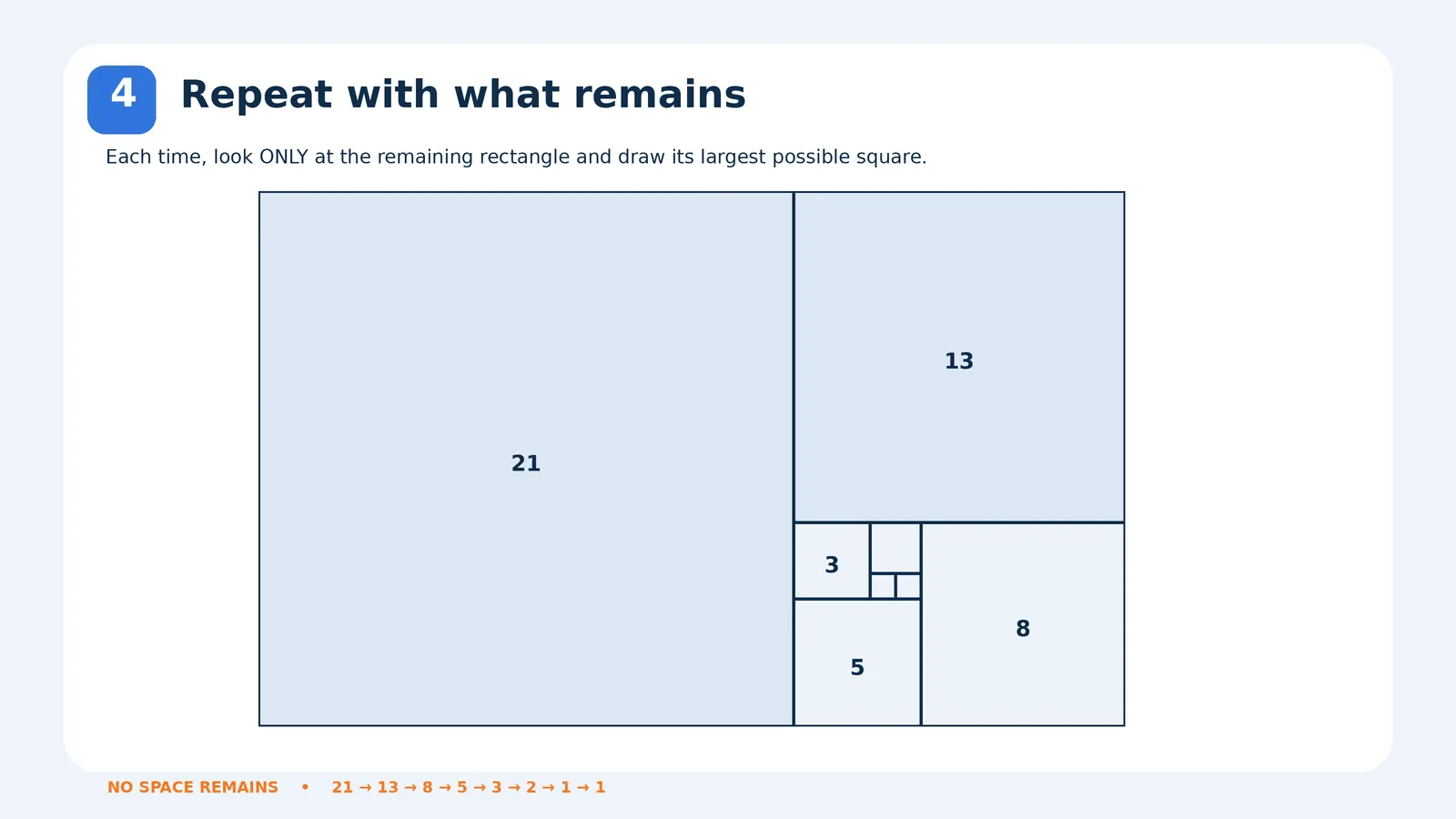
    Repeat with the Remaining Rectangles

    Step 4: Draw the Golden Spiral
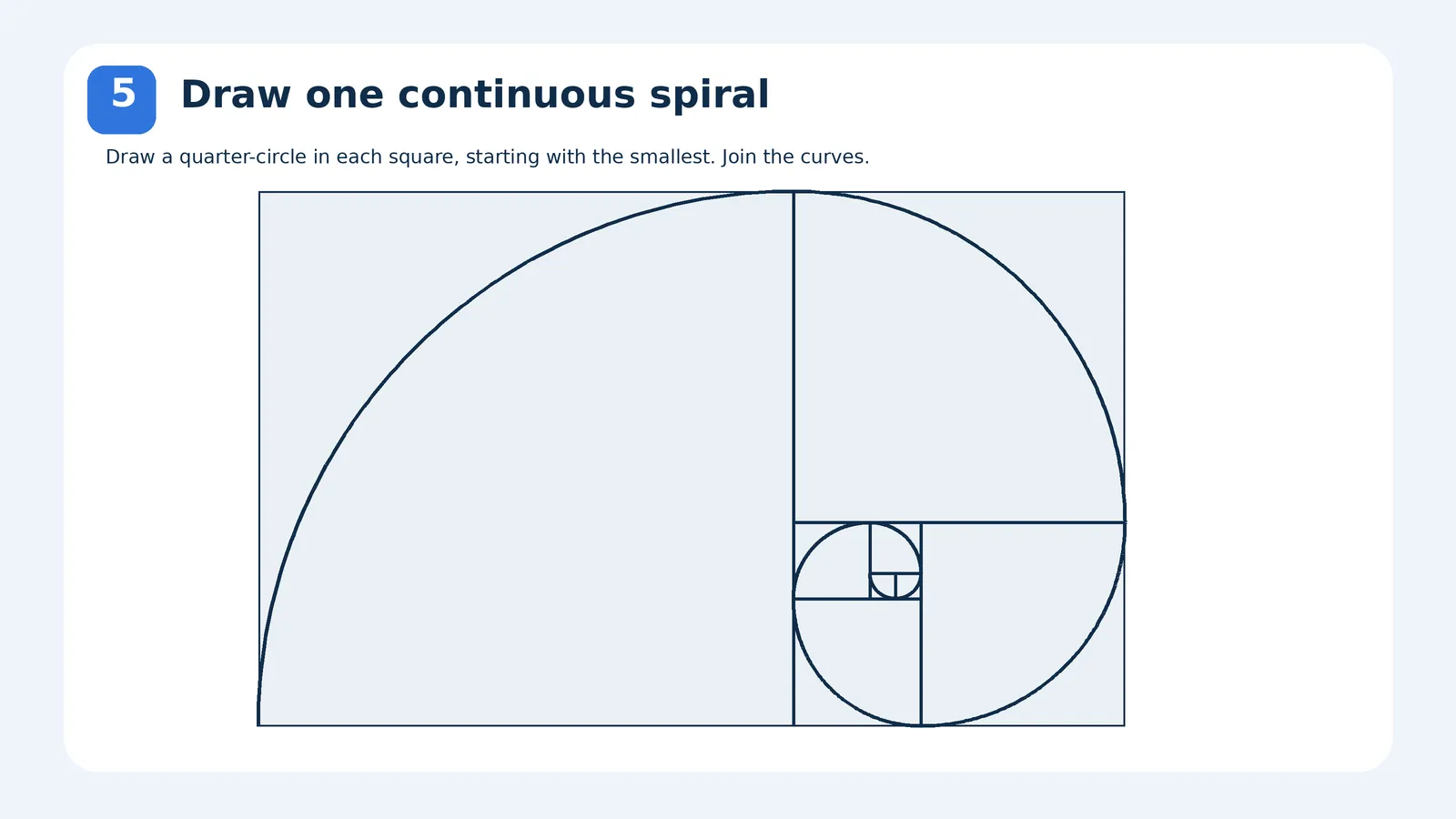
    Draw the Golden Spiral

    Step 5: Colour and Number the Squares
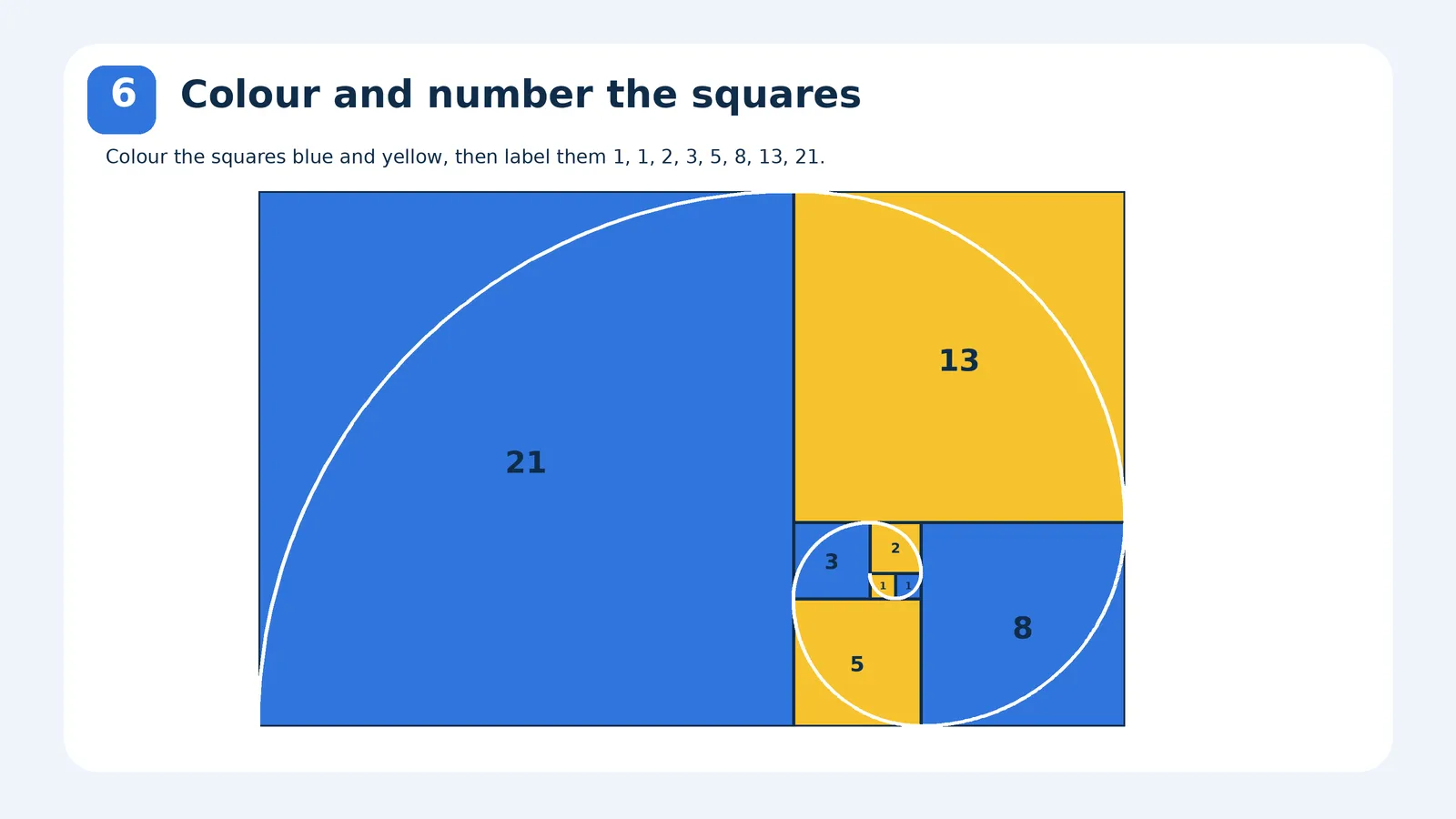
    Colour and Number the Squares

    Start with a large rectangle. Look at its shorter side and use that length to draw the largest possible square inside the rectangle.

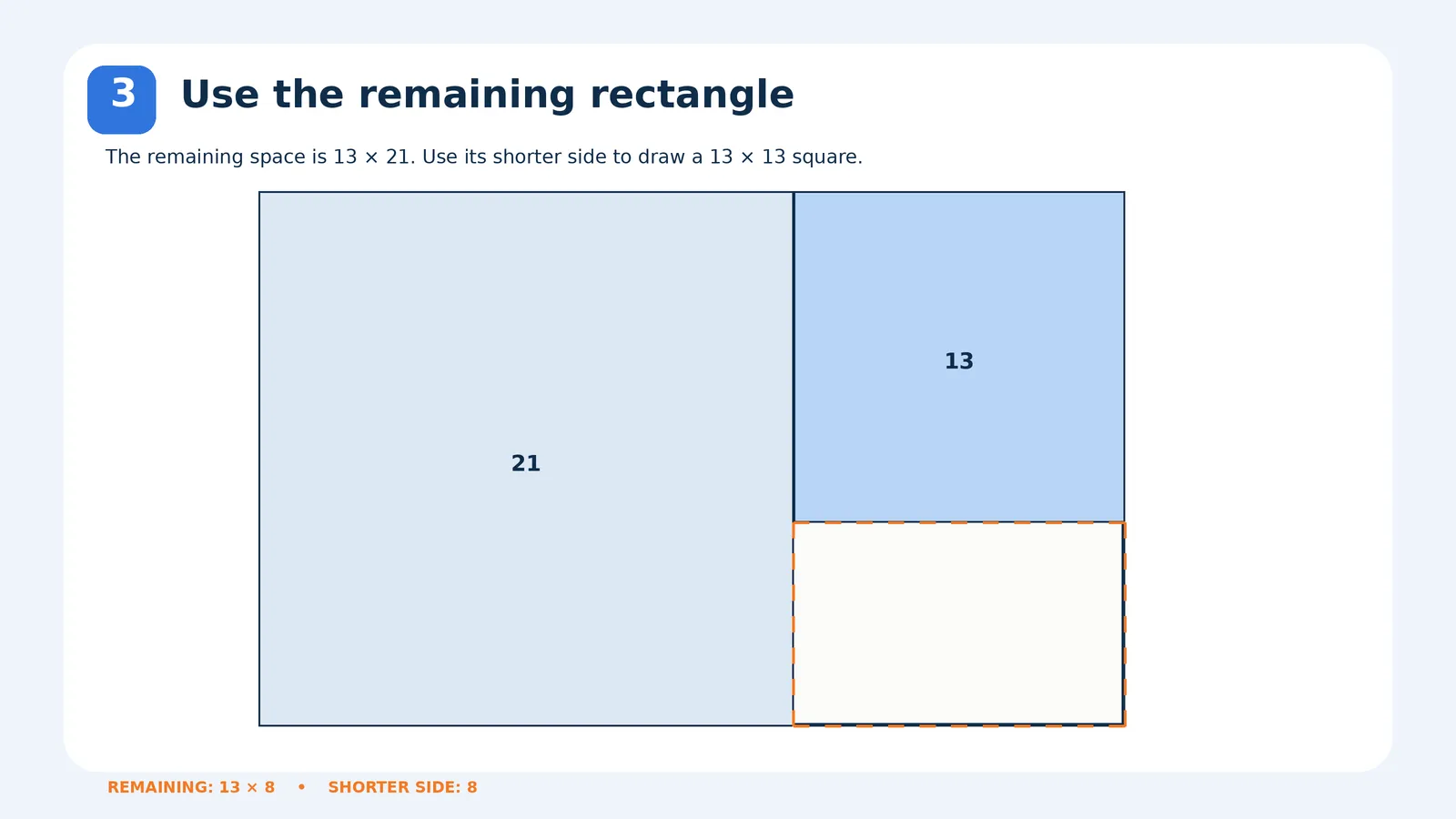
    Now ignore the square you've already drawn. Look only at the remaining rectangle (13 cm × 21 cm). Use its shorter side (13 cm) to draw the next largest square.

    After drawing each square, focus only on the rectangular space left over. Find its shorter side and draw the largest possible square inside it. Continue until the entire rectangle is divided into squares.

    Draw a quarter-circle inside each square, ensuring all the curves connect smoothly to form one continuous spiral.

    Make your spiral attractive by colouring the squares blue and yellow, as shown in your reference. Label them with the Fibonacci numbers: 1, 1, 2, 3, 5, 8, 13, and 21.
    Featured
    Other
    Build The Spiral - GenAlphaE05
    The Golden Spiral Puzzle is a fun, hands-on activity that introduces students to the Fibonacci sequence and geometric patterns. Students repeatedly draw the largest possible square within the remaining rectangle, using its shorter side as a guide. They then connect quarter-circle curves to form a spiral. Finally, students colour and number the squares, exploring the relationship between mathematics, geometry, and patterns found in nature.
    by Nimantha Adikaram
    Likes:0Stars:0Views:4
    Featured
    3D Printing
    The Fibonacci Gauge - GenAlpha E05
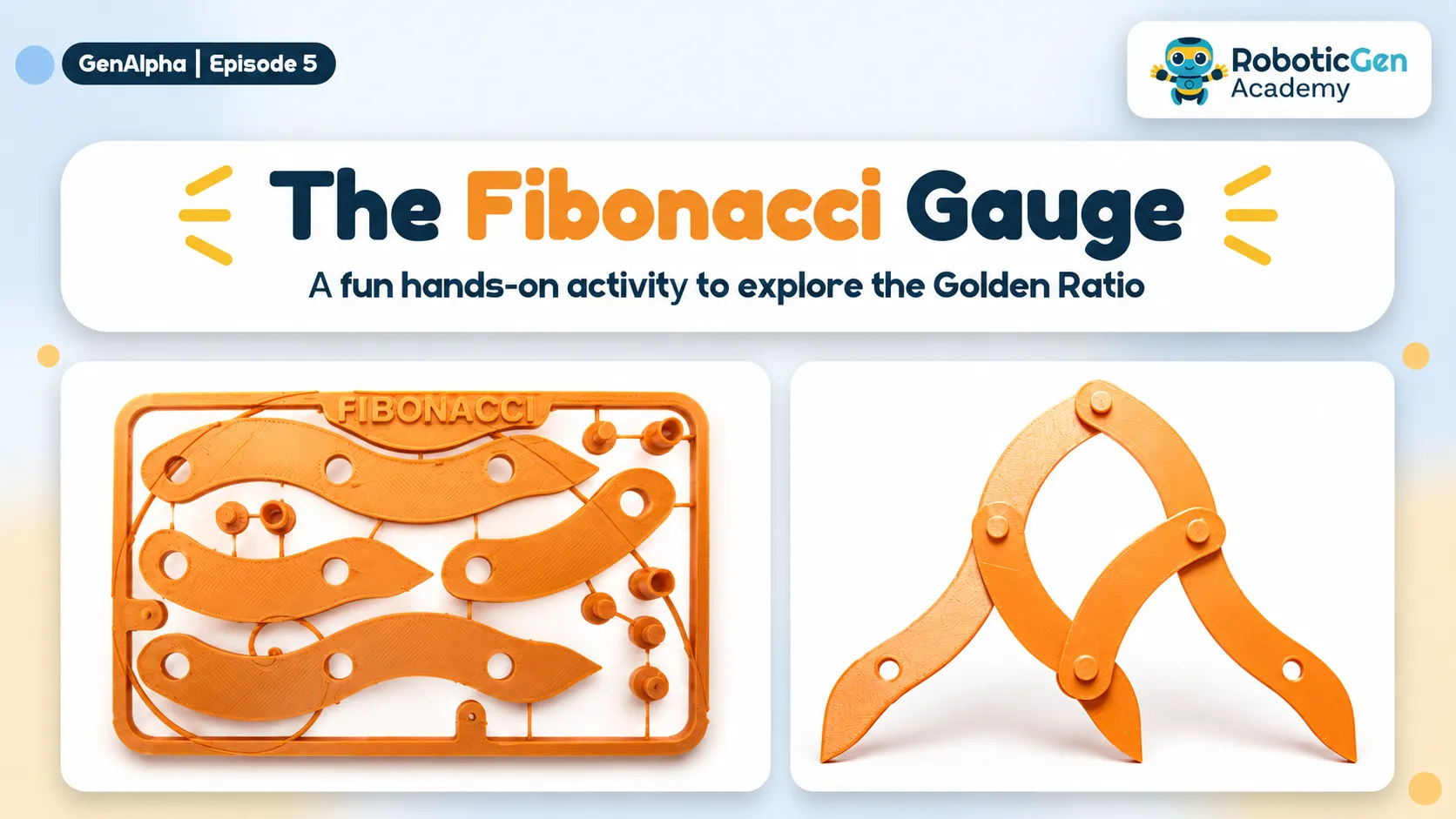
    The Fibonacci Gauge is a hands-on STEAM activity that introduces students to the Fibonacci sequence, the Golden Ratio (1.618), and mathematical proportions. Students assemble a movable measuring tool using interconnected arms and pivot joints. By opening and closing the gauge, they can explore how the Golden Ratio remains approximately constant and compare proportions in everyday objects such as books, smartphones, and picture frames.
    by Nimantha Adikaram
    Likes:
    Featured
    Other
    Starshade - GenAlpha E02
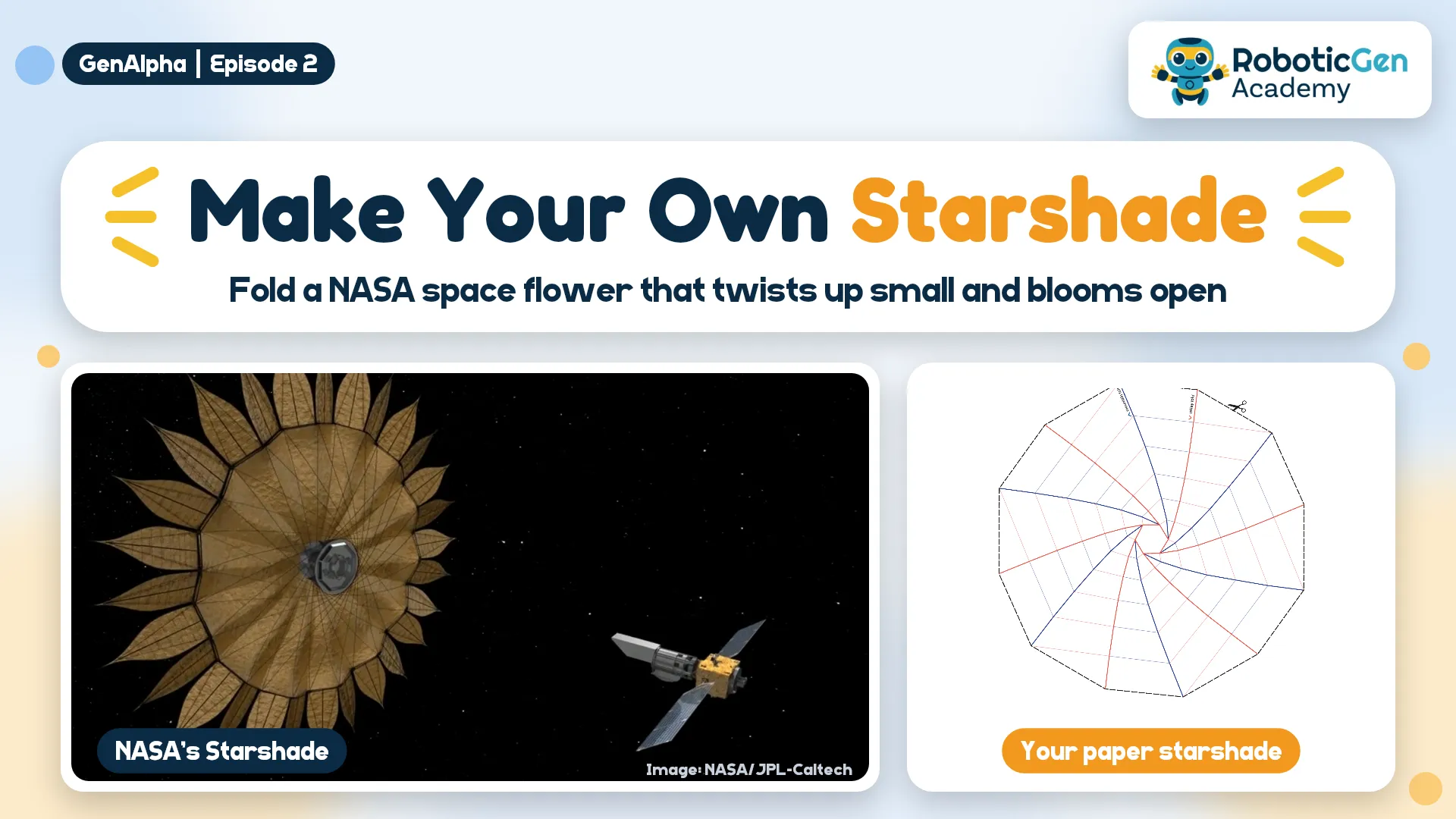
    NASA designed a giant "space flower" that folds up small enough to fit in a rocket, then blooms open to block a star's glare so we can see its planets. Fold your own paper starshade that wraps into a spiral and opens with a twist, then test it with a torch.
    by Odil Janandith
    Likes:0
    Featured
    Robotics
    Snailbot - GenAlpha E02
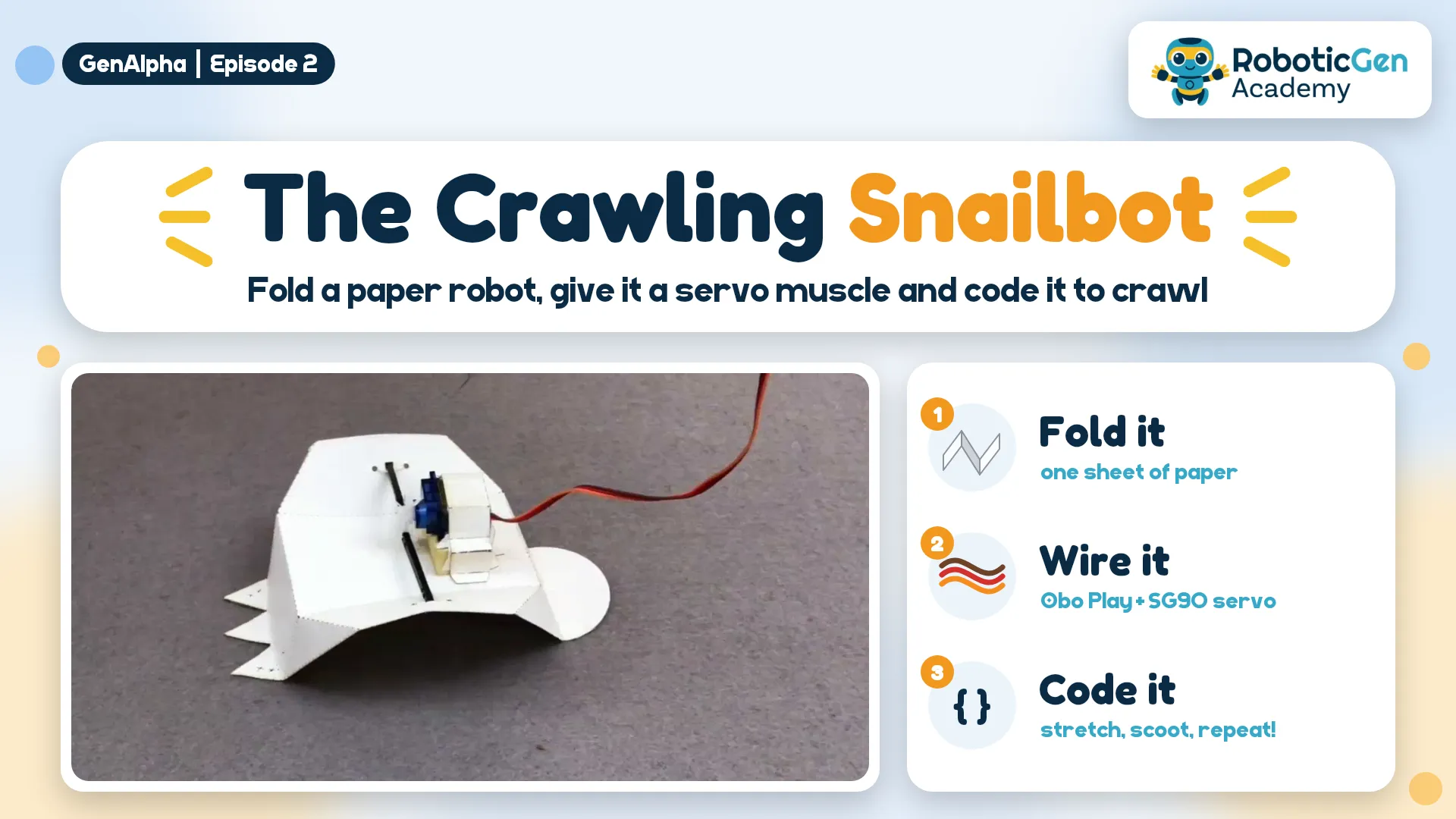
    Cut and fold a paper Snailbot, make it crawl by hand, then give it a brain and a muscle. An Obo Play (ESP32) tells an SG90 servo what to do, and a few lines of code make the snail crawl by itself.
    by Odil Janandith
    Likes:0Stars:
    Featured
    3D Printing
    Easy Grip - GenAlpha E04
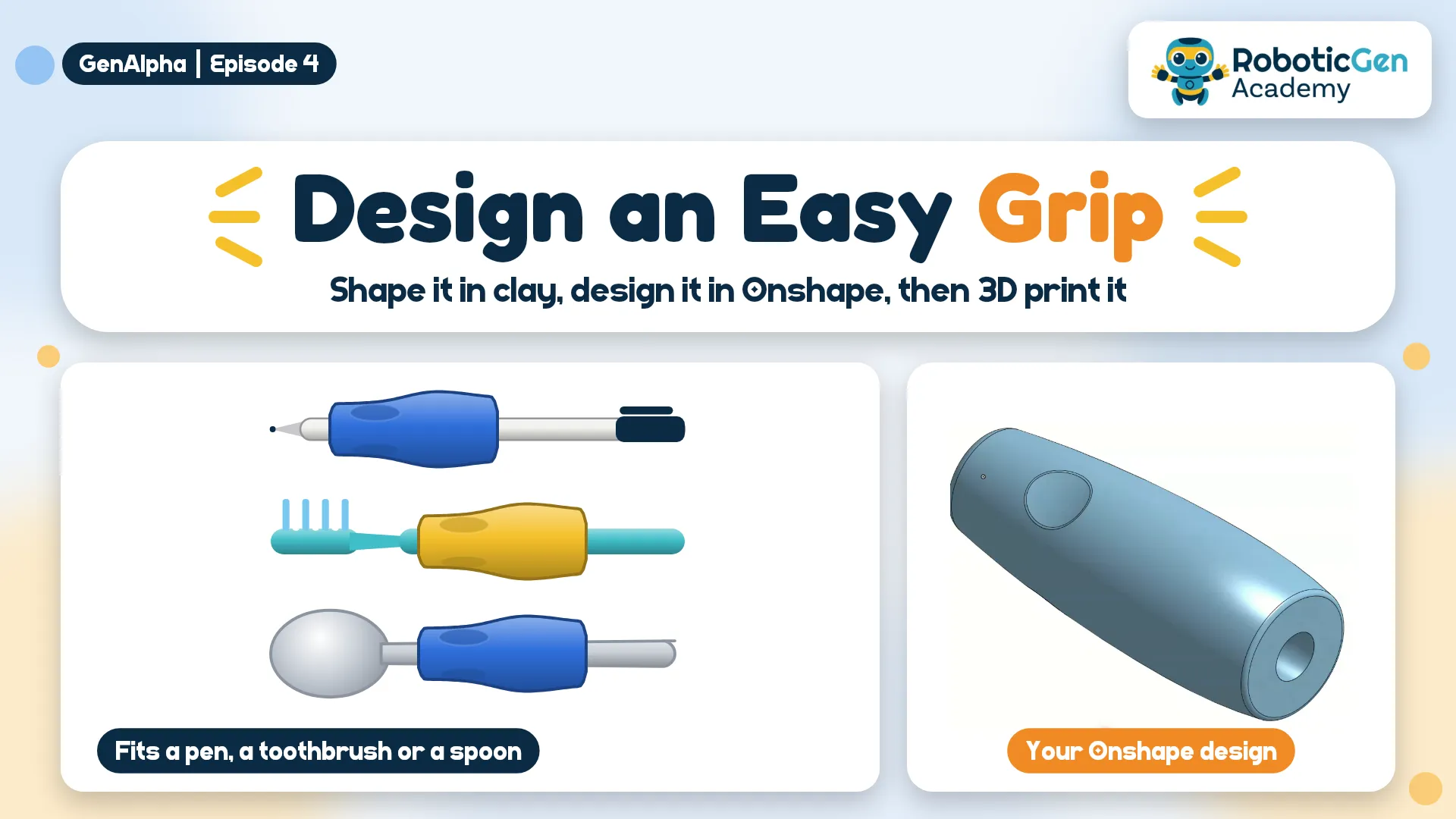
    Some people have stiff or sore hands and find thin pens, spoons and toothbrushes hard to hold. Shape the perfect grip with Play-Doh, measure it, then design a fat handle with three finger grooves in Onshape and 3D print it.
    by Odil Janandith
    Likes:1Stars:
    Featured
    3D Printing
    3D Printed Box - GenAlpha E04
    Make a free Onshape account, then design a hollow 5 × 4 × 3 cm box using just Sketch, Extrude and Shell. It's ready to 3D print and makes a great first CAD project.
    by Odil Janandith
    Likes:1Stars:0
    Featured
    Other
    Robot Hand Design - GenAlpha E03
    This project demonstrates a simple cardboard robotic hand that mimics finger movement using straws and strings. The cardboard forms the hand structure, the straws guide the strings, and pulling the strings bends the fingers like tendons in a real hand. It is a simple way to learn about robotics, joints, and human hand movement.
    by Nimantha Adikaram
    Likes:3
    Robotics
    Quadruped Robot - GenAlpha E01
    Dogs, cats and horses walk on four legs. Can a robot? Build a small cardboard robot with ice cream stick legs that walks by itself, powered by just one motor and two AA batteries.
    by Odil Janandith
    Likes:0Stars:0Views:1
    0
    Stars:0
    Views:6
    Stars:
    0
    Views:2
    0
    Views:1
    0
    Views:6
    Views:6
    Stars:
    1
    Views:16